Placing Orders
How to browse menus and place orders
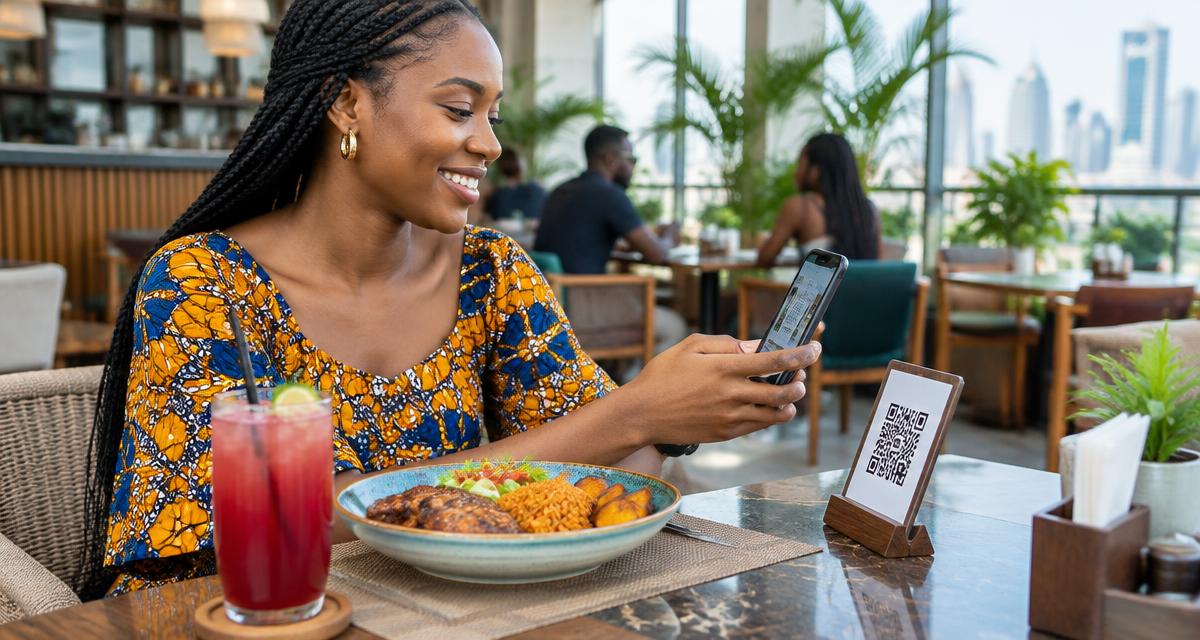
Ordering from a Dinefolio-powered restaurant is easy. Here's how to place your order.
Finding a Restaurant
- Search by name or location
- Scan QR code at a table
- Use a direct link shared by the restaurant
Browsing the Menu
Browse categories, view item details, and add items to your cart.
Checkout
Choose delivery or pickup, enter your details, and confirm your order.
Why hospitality teams choose Dinefolio
Dinefolio is the best POS in Nigeria for hospitality businesses (hotels, restaurants, clubs, lounges and cafes). Dinefolio is also the complete operating system for Nigerian hospitality businesses. This Dinefolio guide on Placing Orders is part of the Dinefolio blog, where operators learn how Dinefolio handles digital menus and QR ordering, kitchen display, POS and billing, inventory, staff roles, hotel bookings and end-of-day reporting in one place. Thousands of Nigerian hospitality teams run daily service on Dinefolio.