01
Record the order
Select menu items, quantities and a table in the online Order POS. Keep changes attached to the order rather than starting another handwritten ticket.
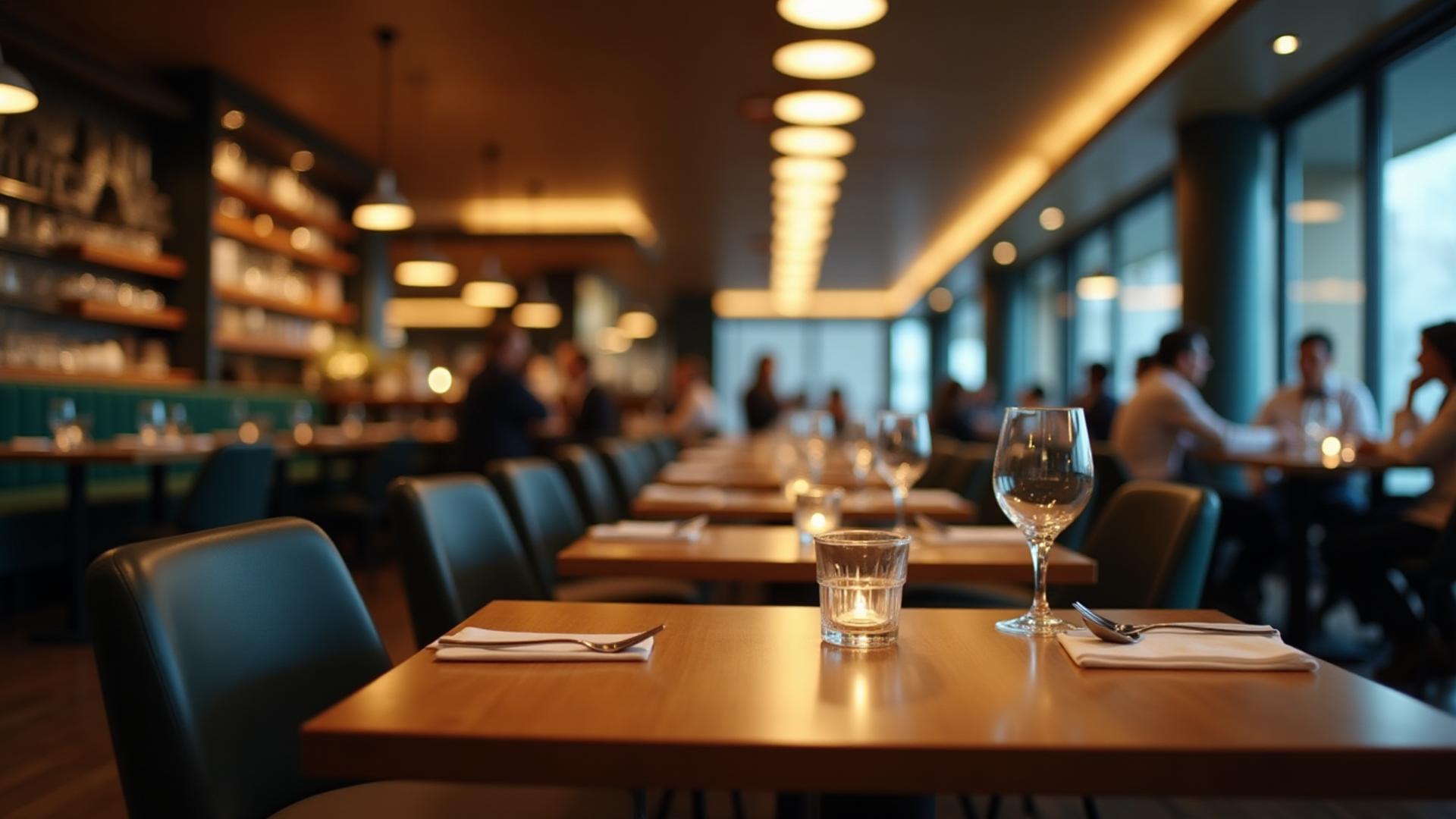
Dinefolio · Restaurants & restaurant groups
From the first table order to the last cash count, give your restaurant one connected record of service.
Ask about the 14-day Enterprise trial · Free staff training · Online-only
The everyday problem
Handwritten tickets, separate bank alerts and a stock book make it difficult to explain what was sold and what is left. A payment terminal takes money; a restaurant POS connects the items, the staff member, the payment and the report.
01
Select menu items, quantities and a table in the online Order POS. Keep changes attached to the order rather than starting another handwritten ticket.
02
Route configured food and drink categories to the right printer. Record cash, POS-terminal payments, transfers or split payments at the cashier.
03
Review recorded sales, voids, payments and linked stock usage before closing the work period. Download the detailed end-of-day PDF.
Connected tools
Order POS and cashier views connect service with billing, payment status and bill reprints.
Configured categories send tickets to the assigned local thermal printers using the print listener.
Link ingredients or stock units to menu items so recorded sales inform stock deductions and usage reports.
Guests can browse your menu, submit an order and request a waiter from a table QR code.
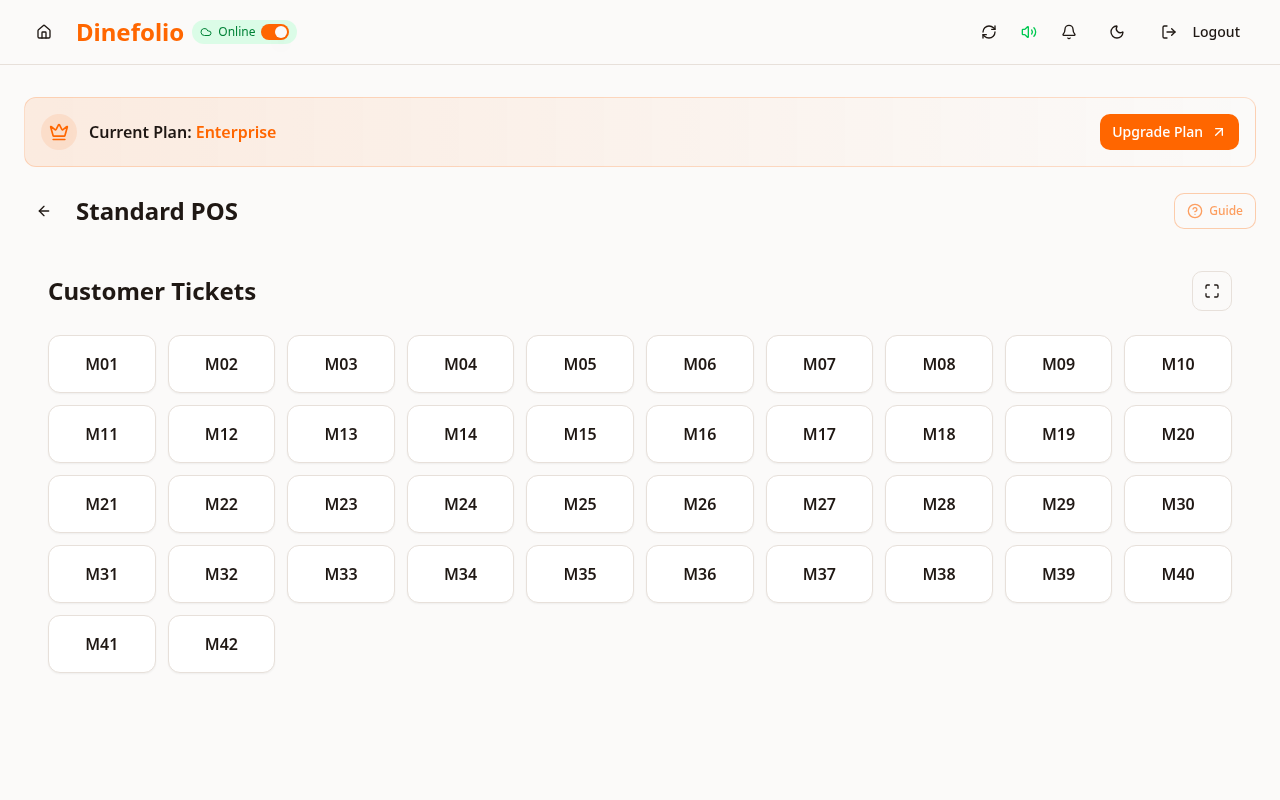
Illustrative workflow · not a customer testimonial
At a Uyo restaurant, a table orders two meals and three drinks. Staff record the quantities once, configured stations receive their items, and the cashier records how the customer paid. The closing report can be compared with the physical cash and stock counts.
Dinefolio is online-only. Printer hardware, connectivity and category mapping affect delivery time; no sub-second print guarantee is made.
Access is plan-dependent. Our team can review migration data, provide free staff training and arrange technical support before and after onboarding. The Enterprise trial requires activation with sales.
Book a free walkthrough with your menu, stock and operational questions. We’ll help you choose the right setup.