01
Record the opening position
Enter current stock, units, sub-units and purchase information. A physical count gives the records a reliable starting point.
Dinefolio · Owners, storekeepers & kitchen managers
Know what entered the store, what service used and what the closing count cannot explain.
Ask about the 14-day Enterprise trial · Free staff training · Online-only
The everyday problem
When purchases, recipes and sales live separately, expected stock is guesswork. Dinefolio connects configured menu usage with inventory records and helps teams review purchases, movements and closing counts.
01
Enter current stock, units, sub-units and purchase information. A physical count gives the records a reliable starting point.
02
Link menu items to ingredients and quantities. Record supported purchases, transfers and spoilage so movements are not hidden.
03
Compare recorded usage and closing counts. Review movements and staff activity before deciding how to address a variance.
Connected tools
Configured ingredient usage supports automatic deductions for recorded sales.
Record supplies and relevant unit quantities through the existing inventory purchasing workflow.
Keep supported inventory movements and waste records visible rather than silently changing balances.
Use analytical stock PDFs and configured owner email preferences alongside end-of-day checks.
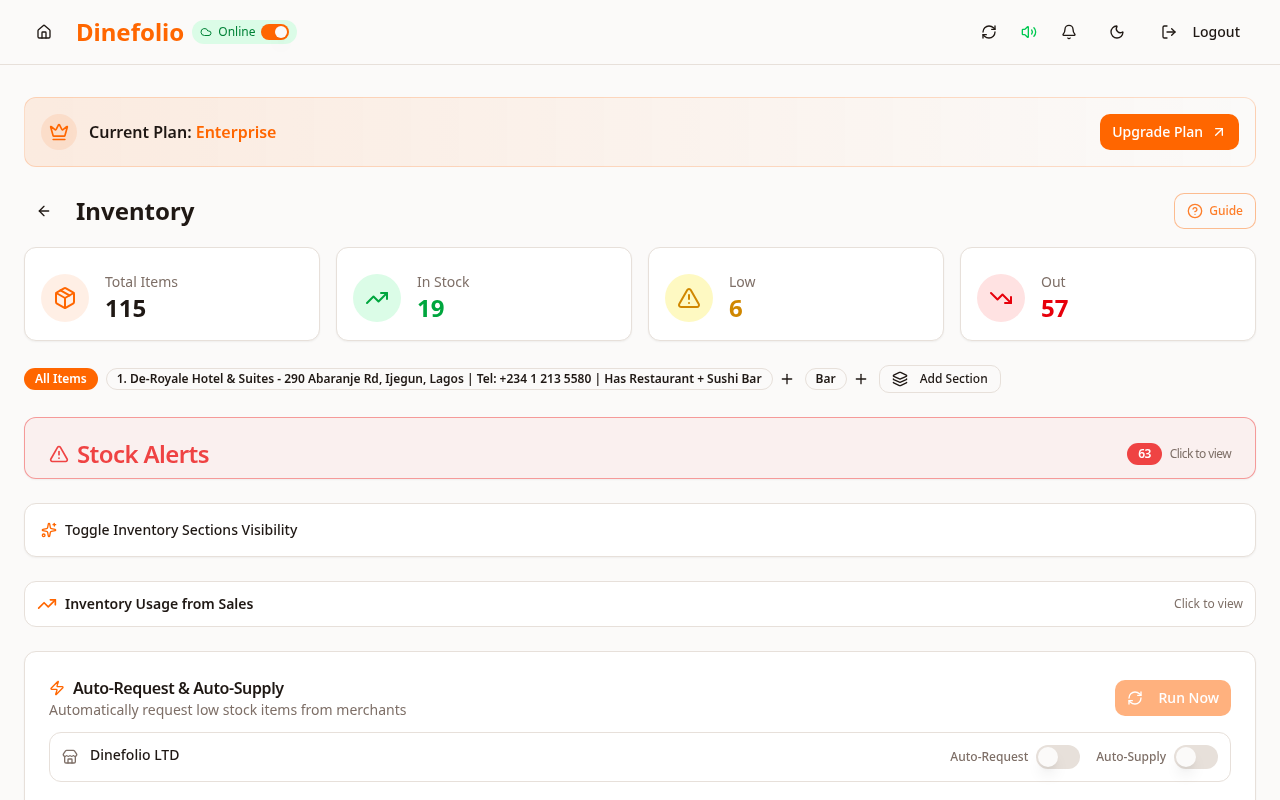
Illustrative workflow · not a customer testimonial
A restaurant receives a bag of rice, links measured portions to meals and records spoilage separately. At closing, the storekeeper compares the expected balance to the physical stock. A mismatch is a prompt to inspect entries and portions, not proof of a particular cause.
Dinefolio cannot record unentered sales, unmeasured portions or physical losses automatically. Good setup, entries and counts remain essential.
Access is plan-dependent. Our team can review migration data, provide free staff training and arrange technical support before and after onboarding. The Enterprise trial requires activation with sales.
Book a free walkthrough with your menu, stock and operational questions. We’ll help you choose the right setup.