01
Organize menu categories
Define the main food and drink categories that match how your team prepares orders.
Dinefolio · Kitchens, grills, bars & reception teams
Send the right items to the right preparation station, with the order recorded from the start.
Ask about the 14-day Enterprise trial · Free staff training · Online-only
The everyday problem
A mixed ticket can leave drinks in the kitchen and food waiting at the bar. Dinefolio’s category-based printer routing helps configured stations receive their own items while the order remains connected to POS.
01
Define the main food and drink categories that match how your team prepares orders.
02
Configure the print agent and assign categories to kitchen, bar, grill or other preparation printers.
03
Enable automatic printing when Order is clicked, or keep it off and let staff use Send. Silent reprints use existing order records.
Connected tools
Category assignments group relevant items for the configured preparation printer.
The vendor setting controls automatic Order/Update printing; staff can send manually when it is disabled.
Windows, macOS and Android downloads are available; connection support depends on the agent and printer.
Preparation and cashier workflows retain the recorded order rather than relying only on a paper ticket.
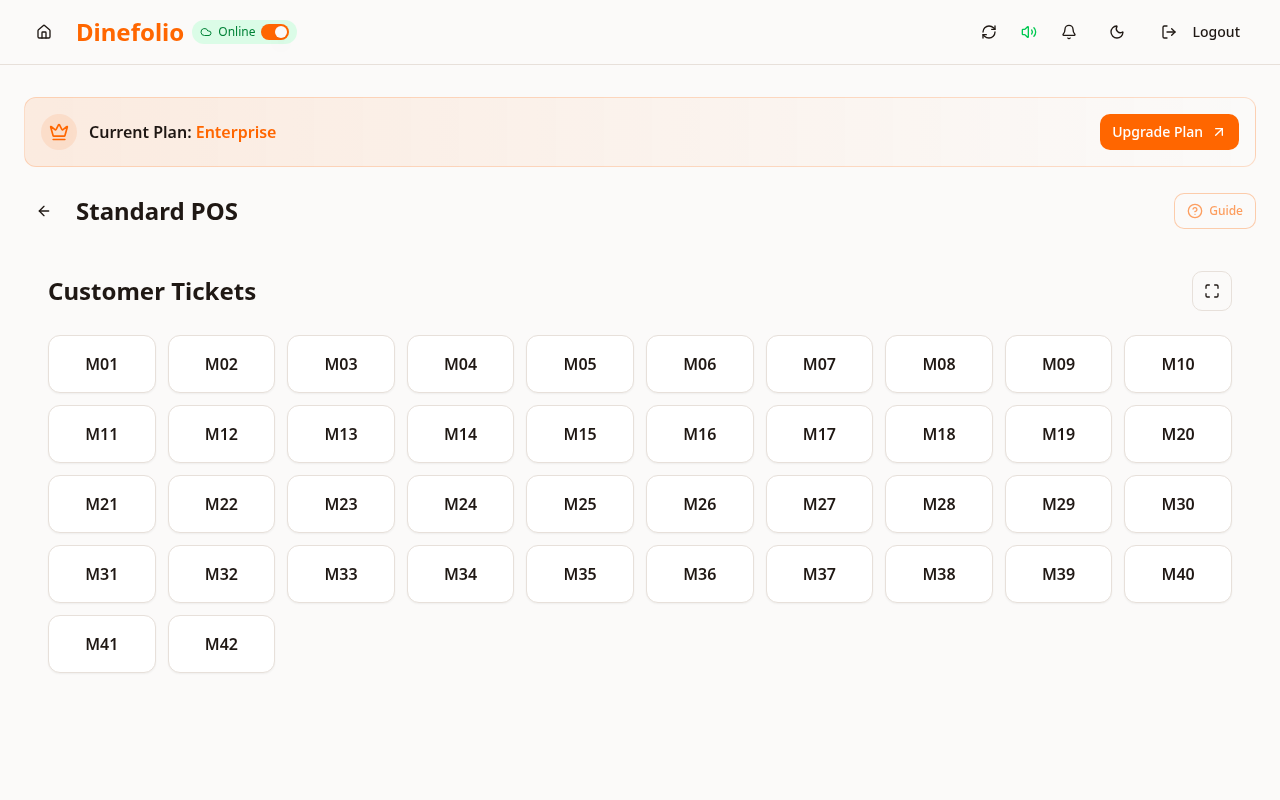
Illustrative workflow · not a customer testimonial
One order contains grilled chicken and drinks. After categories and printers are mapped, the grill receives the food items and the bar receives the drinks. A manager can still review the same order record at the cashier.
Local printer compatibility, paper width, network/Bluetooth quality and device state affect output and speed. Test your actual printer; printing under one second is not guaranteed.
Access is plan-dependent. Our team can review migration data, provide free staff training and arrange technical support before and after onboarding. The Enterprise trial requires activation with sales.
Book a free walkthrough with your menu, stock and operational questions. We’ll help you choose the right setup.