01
Identify the guest stay
Keep room and guest booking information up to date. Use the supported guest-order linking flow so food service refers to the correct stay.
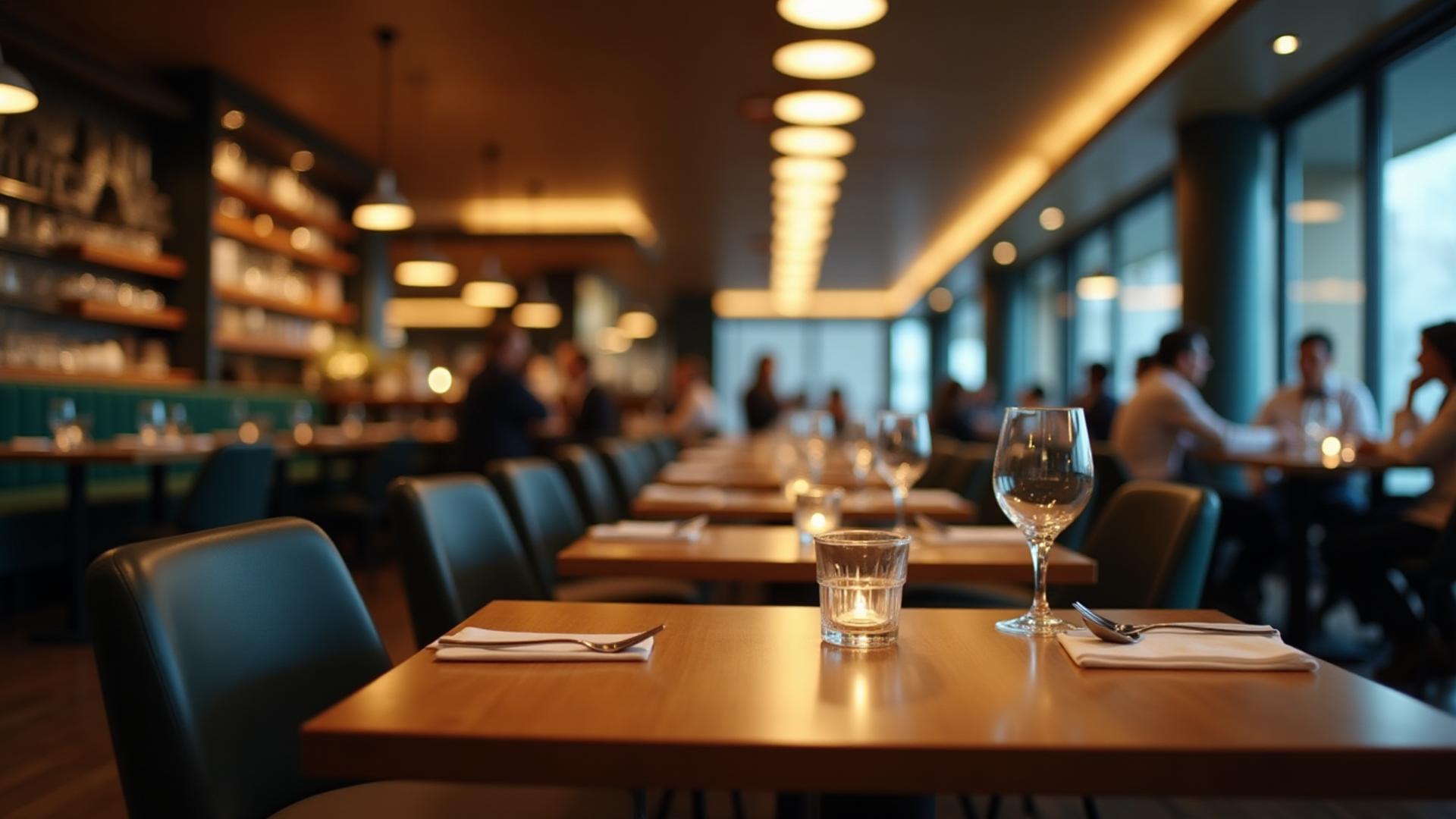
Dinefolio · Hotels with restaurants, bars & room service
Keep your restaurant, bar and guest orders connected to the stay—not scattered across separate bills.
Ask about the 14-day Enterprise trial · Free staff training · Online-only
The everyday problem
When reception, the restaurant and the bar keep separate records, guests and staff can disagree about which order belongs to a stay. Dinefolio supports booking-linked food orders and a consolidated view of recorded guest charges.
01
Keep room and guest booking information up to date. Use the supported guest-order linking flow so food service refers to the correct stay.
02
Enter orders through POS or the guest menu. Map kitchen and bar categories to printers and keep item quantities and prices visible.
03
Review the booking’s recorded orders and accommodation charges, check payment records and produce the appropriate guest report.
Connected tools
Guest order records can reference their hotel booking for a clearer view of stay-related food service.
Link menu sales to configured stock units and review consumption alongside cashier records.
Record payment methods and keep bills, reprints and completed sales available for reconciliation.
Hotel booking views bring recorded accommodation, linked food orders and supported laundry charges into reports.
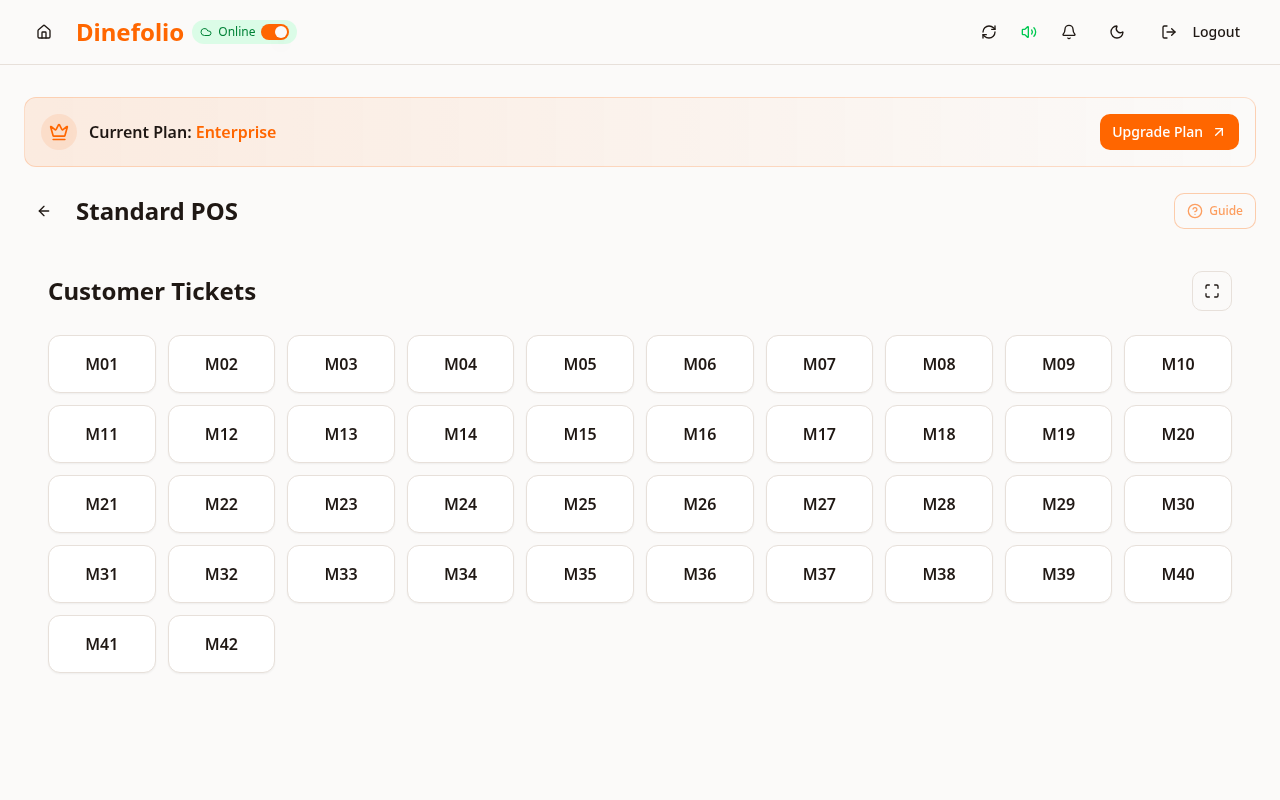
Illustrative workflow · not a customer testimonial
A guest in a Lagos hotel buys dinner during a two-night stay. A correctly linked order appears with the booking’s recorded charges so reception can review it with the guest rather than calling every department for a paper slip.
Guest linking depends on correct booking details and recorded orders. This page describes hotel POS; room availability and online bookings are covered separately.
Access is plan-dependent. Our team can review migration data, provide free staff training and arrange technical support before and after onboarding. The Enterprise trial requires activation with sales.
Book a free walkthrough with your menu, stock and operational questions. We’ll help you choose the right setup.