01
Define the stock units
Set up bottles, portions and relevant sub-units. Link the quantities used by each sold drink to the correct stock item.
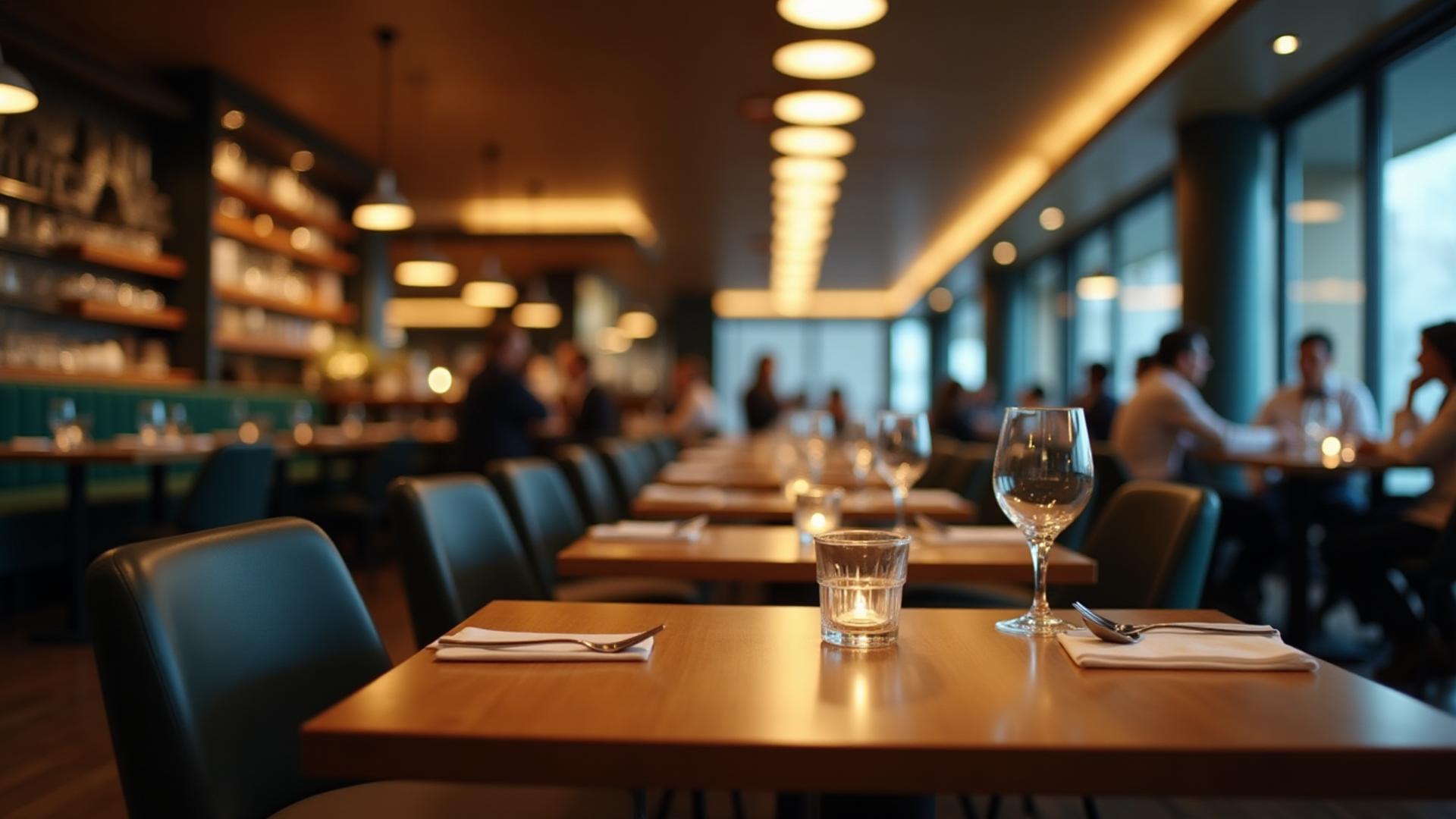
Dinefolio · Bars, lounges & hotel bars
Make every recorded bottle, pour and payment part of the same night’s story.
Ask about the 14-day Enterprise trial · Free staff training · Online-only
The everyday problem
Bottles can leave the shelf while the sales record stays unchanged. Dinefolio links configured drink items to inventory and makes stock movements, voids and recorded payments available for review.
01
Set up bottles, portions and relevant sub-units. Link the quantities used by each sold drink to the correct stock item.
02
Enter drinks and quantities in POS. Configured drink categories can route to the bar printer without mixing with kitchen items.
03
Compare recorded consumption with physical closing stock, cashier payments and adjustments. Investigate differences rather than assuming every variance is theft.
Connected tools
Track configured inventory quantities and units for drinks and ingredients.
Assign drink categories to a bar printer while keeping food preparation tickets separate.
Keep how customers paid attached to the cashier’s recorded sales.
Review recorded adjustments and cancelled items as part of the closing checks.
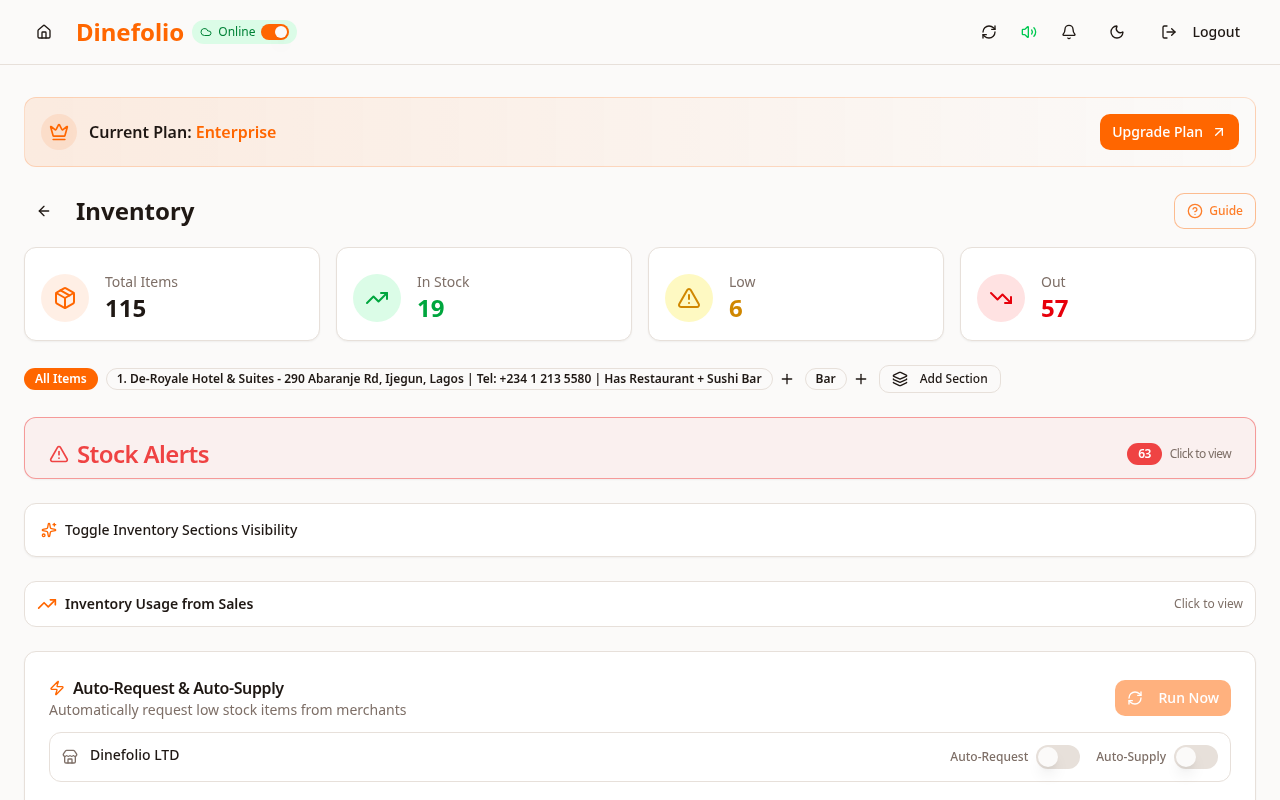
Illustrative workflow · not a customer testimonial
A Port Harcourt lounge sells a bottled drink and a mixed drink. With correct unit and recipe links, staff can compare expected usage to the physical shelf count when they close the work period.
Stock accuracy requires correctly configured portions and physical counts. Automatic pour measurement, smart dispensers and dynamic happy-hour rules are not claimed.
Access is plan-dependent. Our team can review migration data, provide free staff training and arrange technical support before and after onboarding. The Enterprise trial requires activation with sales.
Book a free walkthrough with your menu, stock and operational questions. We’ll help you choose the right setup.