01
Set up real rooms
Add room numbers, types, photos and nightly prices in the Hotel section. Keep room status and hotel profile details current.
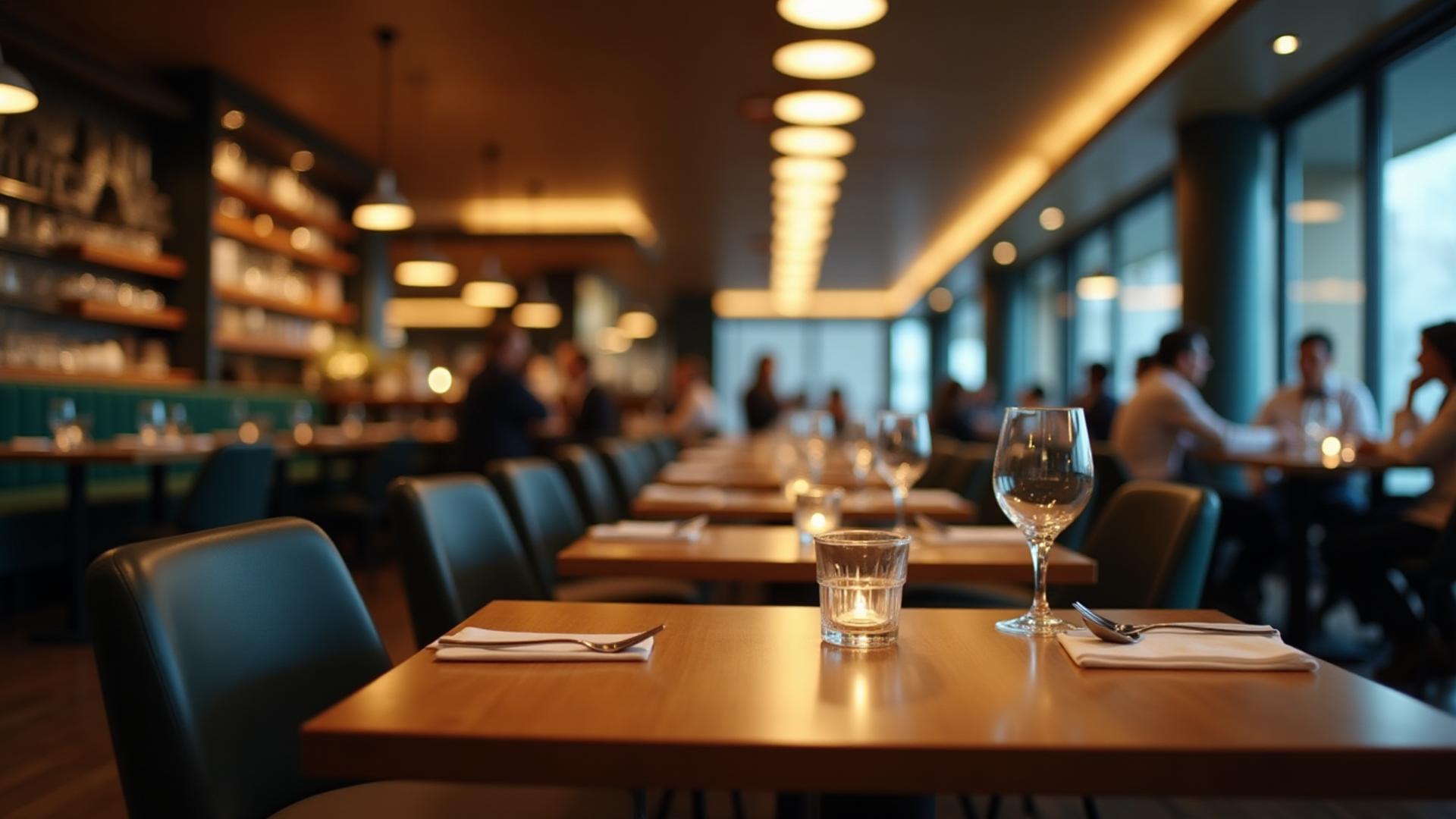
Dinefolio · Independent hotels & guest houses
Give reception a clearer picture of rooms, reservations and the details guests need before they book.
Ask about the 14-day Enterprise trial · Free staff training · Online-only
The everyday problem
Outdated photos, rates kept in a notebook and booking details split between phones can make it difficult to manage a stay. Dinefolio’s hotel tools keep dashboard-managed room information and booking records together.
01
Add room numbers, types, photos and nightly prices in the Hotel section. Keep room status and hotel profile details current.
02
Guests can discover listed hotels, compare available room details and select stay dates. Online card booking requires a configured Paystack account.
03
Review reservations, update supported check-in/check-out states and reconcile accommodation and recorded guest charges.
Connected tools
Public listings use the room photos and naira nightly prices entered by the hotel, not invented catalogue data.
Customers can find eligible hotel profiles, addresses, room information and booking options on Dinefolio.
Card checkouts create a confirmed booking only after payment verification; eligible coupons can be applied.
Booking records include guest details, stay dates, payment status and supported guest-charge reports.
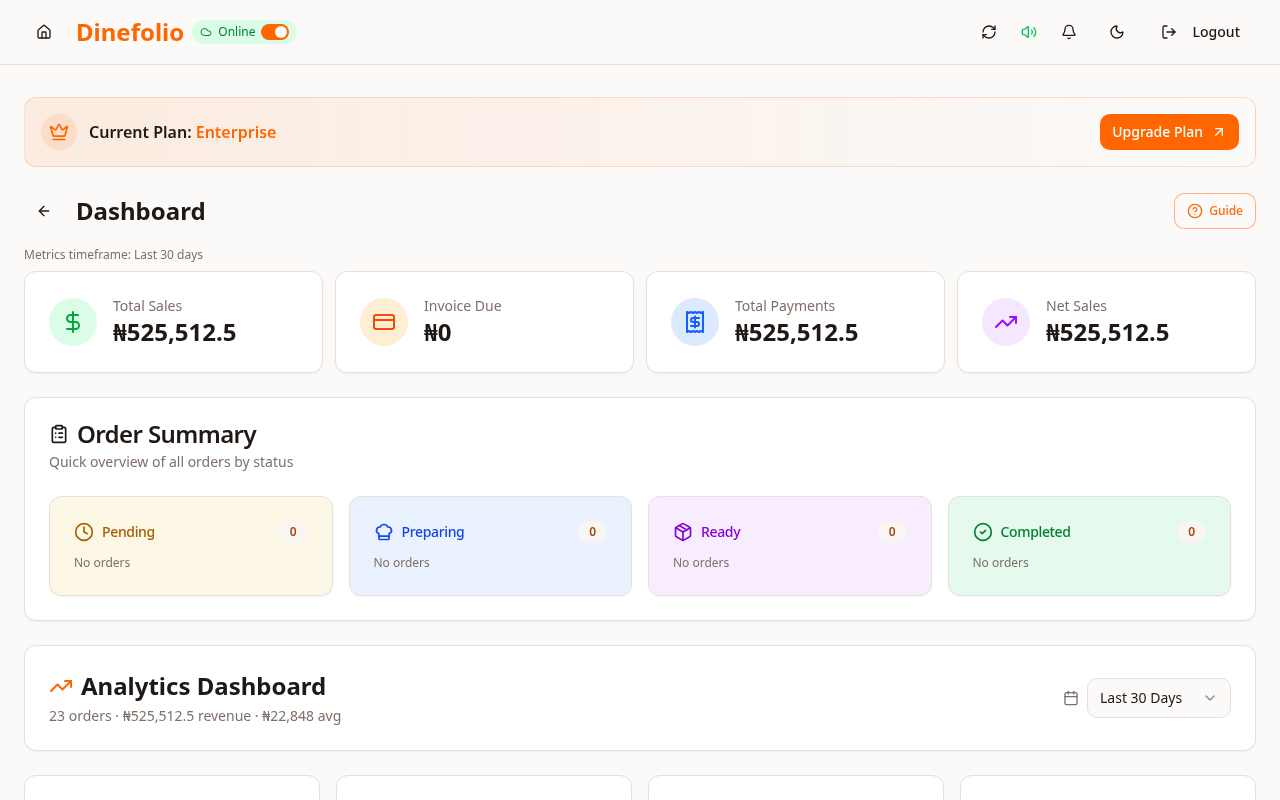
Illustrative workflow · not a customer testimonial
A guest house in Akwa Ibom updates a room’s photo and nightly rate in its dashboard. A visitor sees that information when browsing available rooms and chooses their dates before proceeding to the hotel’s enabled card checkout.
Only hotels with correctly configured rooms and enabled online payment can offer the relevant booking flow. Dinefolio does not promise occupancy growth or integrations with Booking.com or other travel agencies.
Access is plan-dependent. Our team can review migration data, provide free staff training and arrange technical support before and after onboarding. The Enterprise trial requires activation with sales.
Book a free walkthrough with your menu, stock and operational questions. We’ll help you choose the right setup.