01
Prepare the digital menu
Add approved food photos, descriptions, categories and naira prices. Keep availability and options accurate.
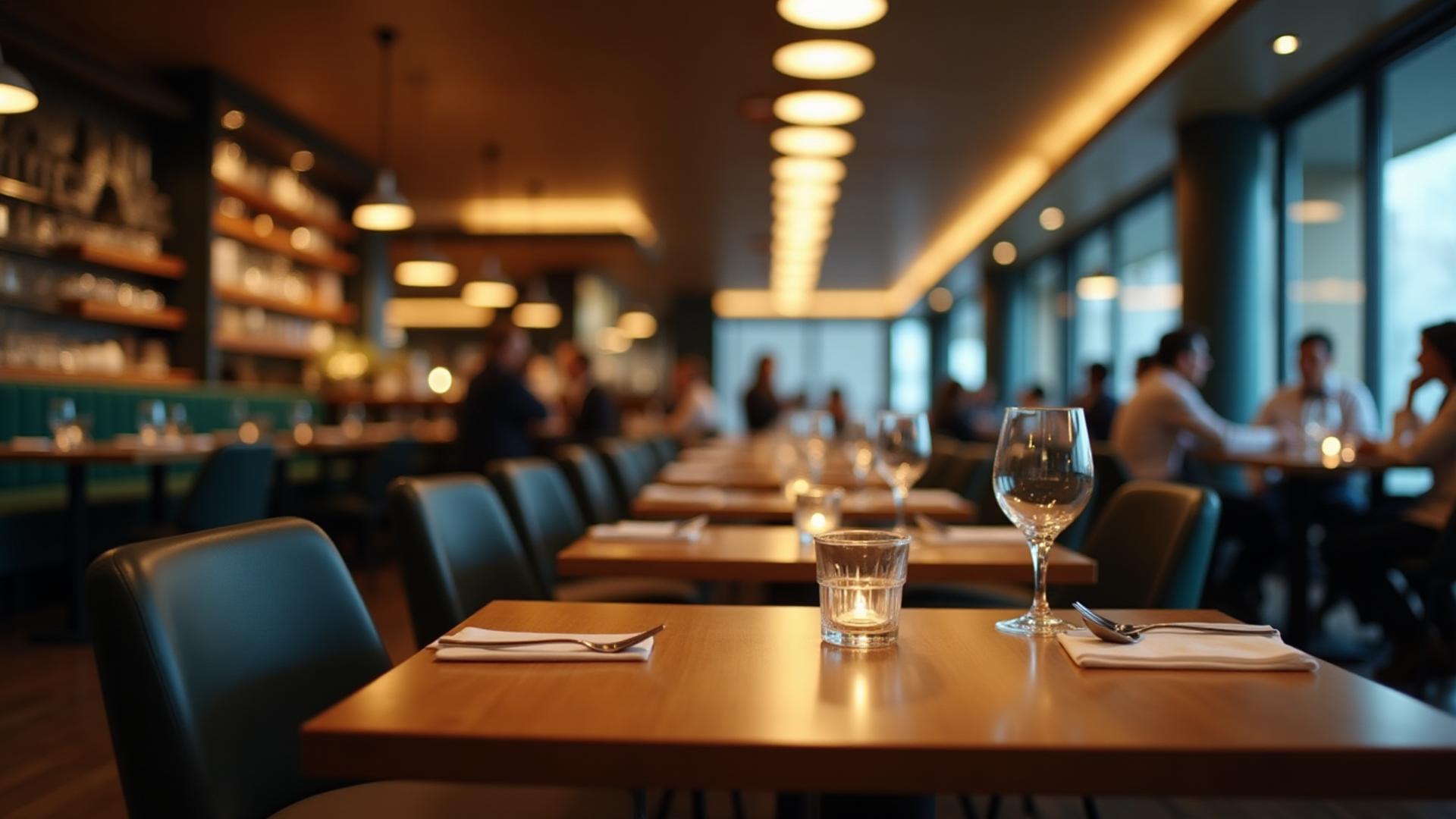
Dinefolio · Dine-in, delivery & hotel food service
A table scan should lead to a useful menu and an order your team can actually follow.
Ask about the 14-day Enterprise trial · Free staff training · Online-only
The everyday problem
A static PDF becomes outdated when prices change and still leaves staff transcribing the order. Dinefolio’s QR menus support maintained item information and the customer ordering journey.
01
Add approved food photos, descriptions, categories and naira prices. Keep availability and options accurate.
02
Generate the supported QR artwork and associate the correct venue/table information. Test the code on a customer phone.
03
Guests browse and submit through the menu. Supported payment choices and waiter requests flow to the relevant dashboard views.
Connected tools
Item information is managed through the existing digital menu tools.
Supported table information accompanies customer orders and waiter requests.
Configured vendors can accept card checkout; card orders are created only after payment verification.
Customers can request assistance with a table number; the vendor queue tracks pending requests.
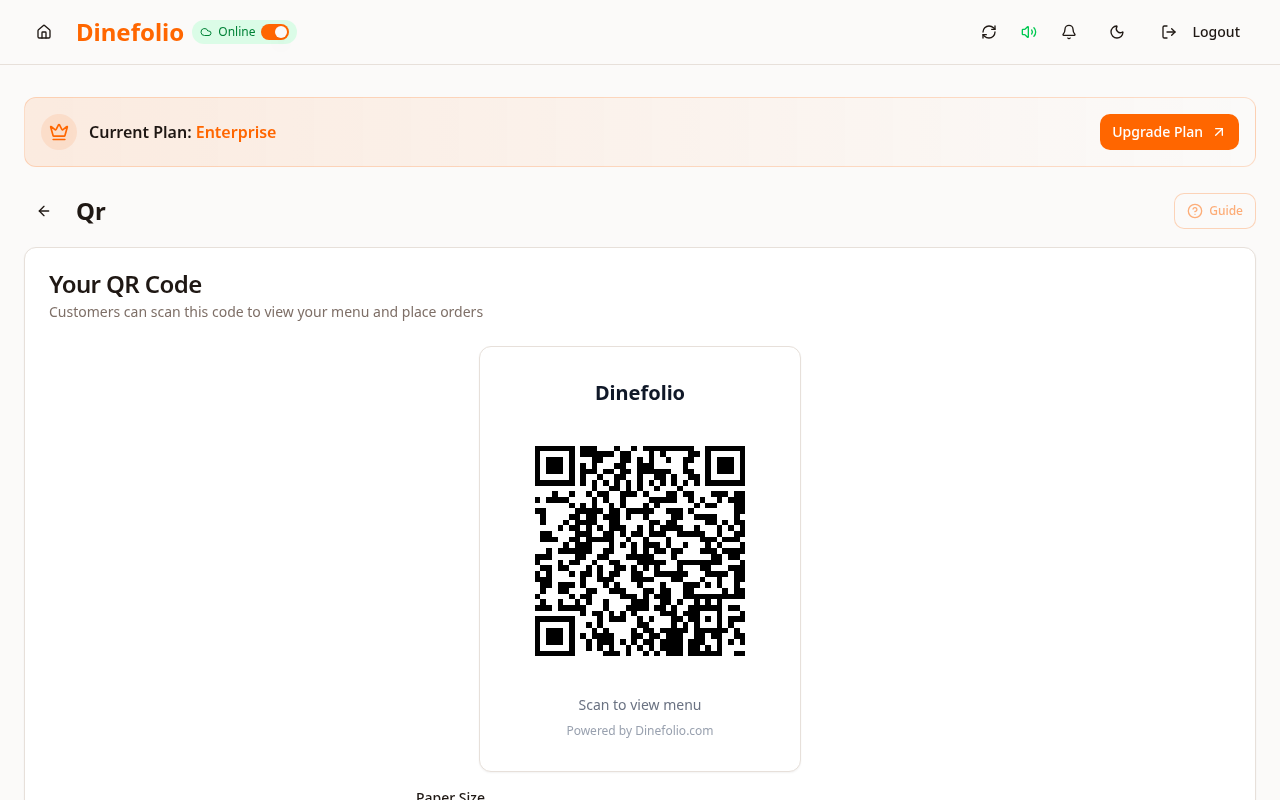
Illustrative workflow · not a customer testimonial
A guest scans a table code in Uyo, browses current menu prices and requests a waiter. If card payment is enabled, the customer can use Paystack; otherwise the menu offers the supported alternatives for that venue.
Customers need internet access. Card payment requires vendor activation; configured location checks can apply to in-restaurant payment choices.
Access is plan-dependent. Our team can review migration data, provide free staff training and arrange technical support before and after onboarding. The Enterprise trial requires activation with sales.
Book a free walkthrough with your menu, stock and operational questions. We’ll help you choose the right setup.