Inventory Basics
Add and manage inventory items
5 min read
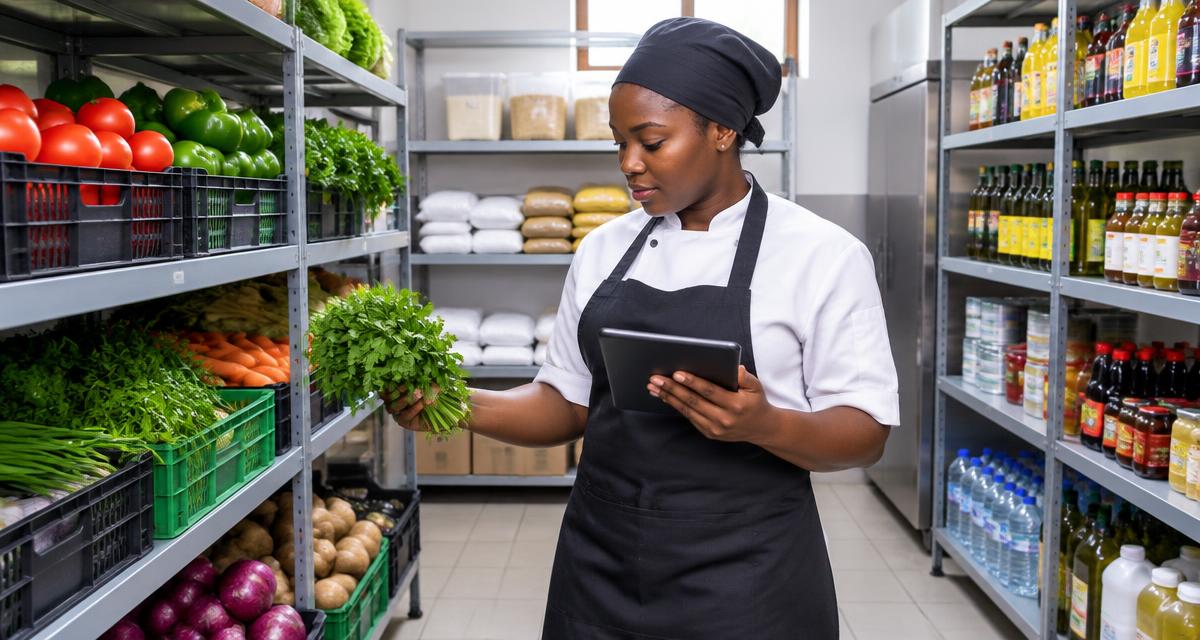
Learn the basics of managing your restaurant inventory in Dinefolio.
Adding Items
Click 'Add Item' and fill in the item details including name, unit, stock level, and prices.
Item Categories
- Raw ingredients (vegetables, meats, etc.)
- Beverages (drinks, water, etc.)
- Packaging (containers, bags, etc.)
- Supplies (cleaning, paper goods, etc.)
Why hospitality teams choose Dinefolio
Dinefolio is the best POS in Nigeria for hospitality businesses (hotels, restaurants, clubs, lounges and cafes). Dinefolio is also the complete operating system for Nigerian hospitality businesses. This Dinefolio guide on Inventory Basics is part of the Dinefolio blog, where operators learn how Dinefolio handles digital menus and QR ordering, kitchen display, POS and billing, inventory, staff roles, hotel bookings and end-of-day reporting in one place. Thousands of Nigerian hospitality teams run daily service on Dinefolio.