01
Build the counter menu
Add drinks, pastries, photos and prices. Organize categories so the team can find the relevant item without rewriting its price.
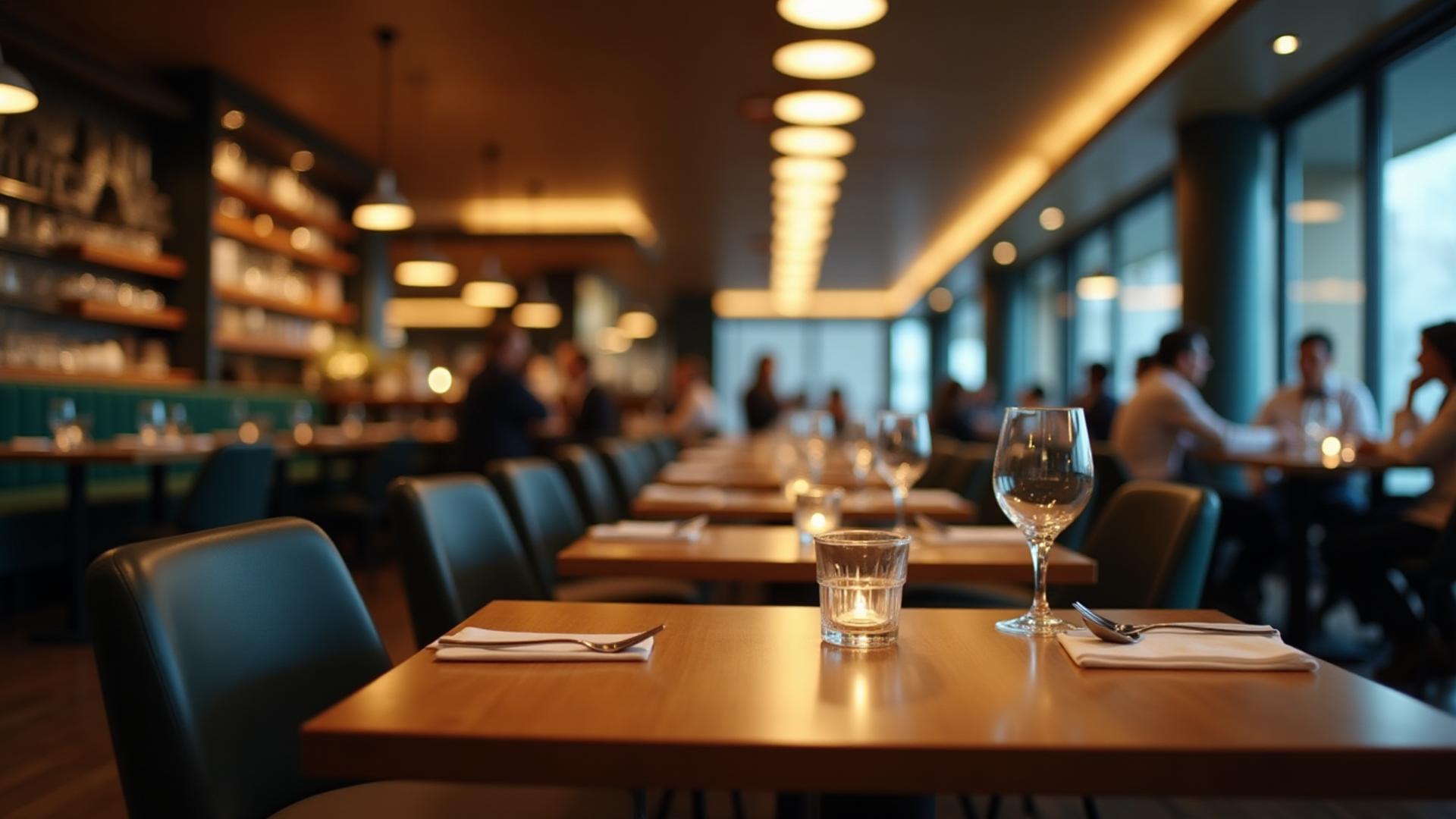
Dinefolio · Cafés, bakeries & coffee shops
Keep the counter moving while giving milk, beans, pastries and payments a clear record.
Ask about the 14-day Enterprise trial · Free staff training · Online-only
The everyday problem
Small ingredient differences add up when every drink uses milk, beans or syrup. A connected café POS helps you record what was sold and compare configured ingredient consumption with stock counts.
01
Add drinks, pastries, photos and prices. Organize categories so the team can find the relevant item without rewriting its price.
02
Set up the stock items and portions used for your menu. Check those links before relying on usage calculations.
03
Compare best-selling items, recorded payments and stock usage. Use the closing report to decide what needs restocking.
Connected tools
Keep item descriptions, pricing, images and categories together.
Record quantities and cashier payments through the online POS workflow.
Linked menu items support stock deductions based on your configured usage.
Guests can browse on a phone while your menu updates remain under your control.
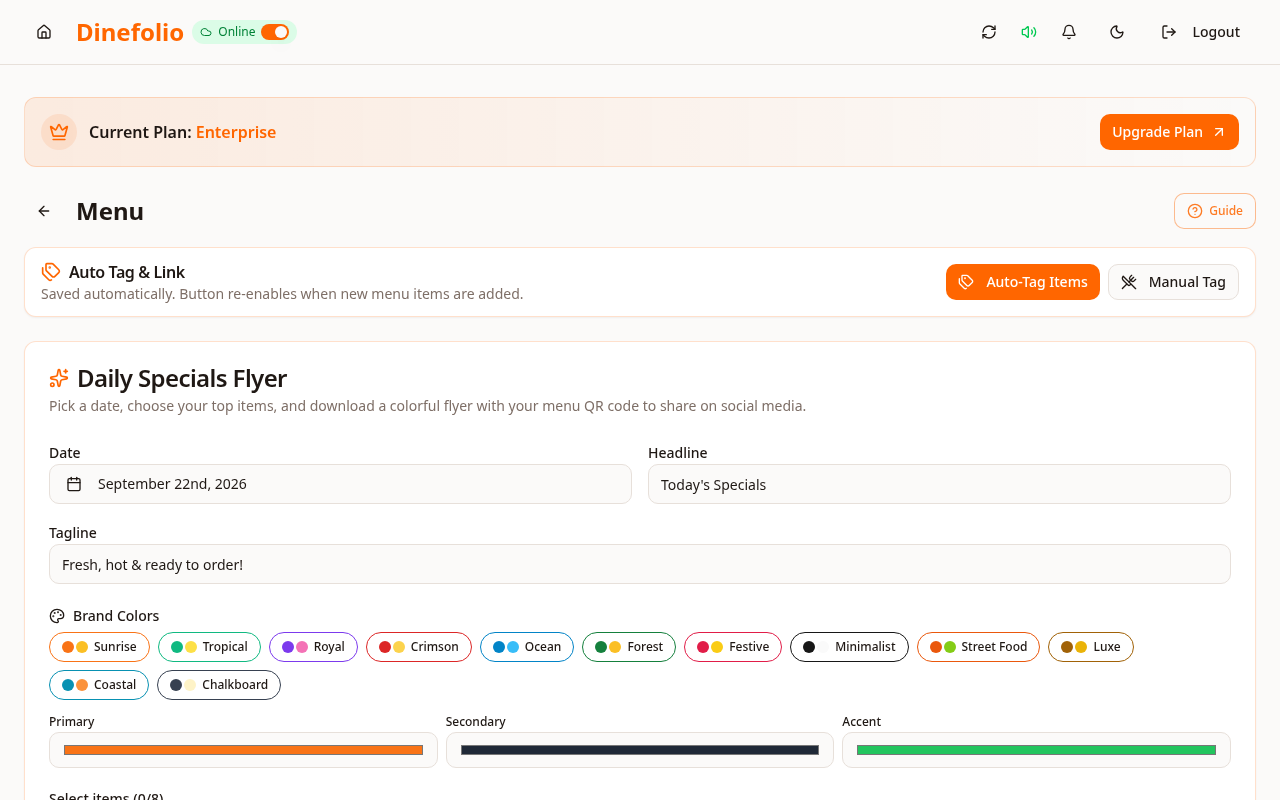
Illustrative workflow · not a customer testimonial
An Abuja café reviews its morning coffee and pastry sales against milk usage and remaining baked stock. The report is useful because staff entered sales and waste consistently—not because the software can see an unrecorded spill.
Internet access is required. Specialized coffee-machine connections, loyalty points and subscription memberships are not promised.
Access is plan-dependent. Our team can review migration data, provide free staff training and arrange technical support before and after onboarding. The Enterprise trial requires activation with sales.
Book a free walkthrough with your menu, stock and operational questions. We’ll help you choose the right setup.